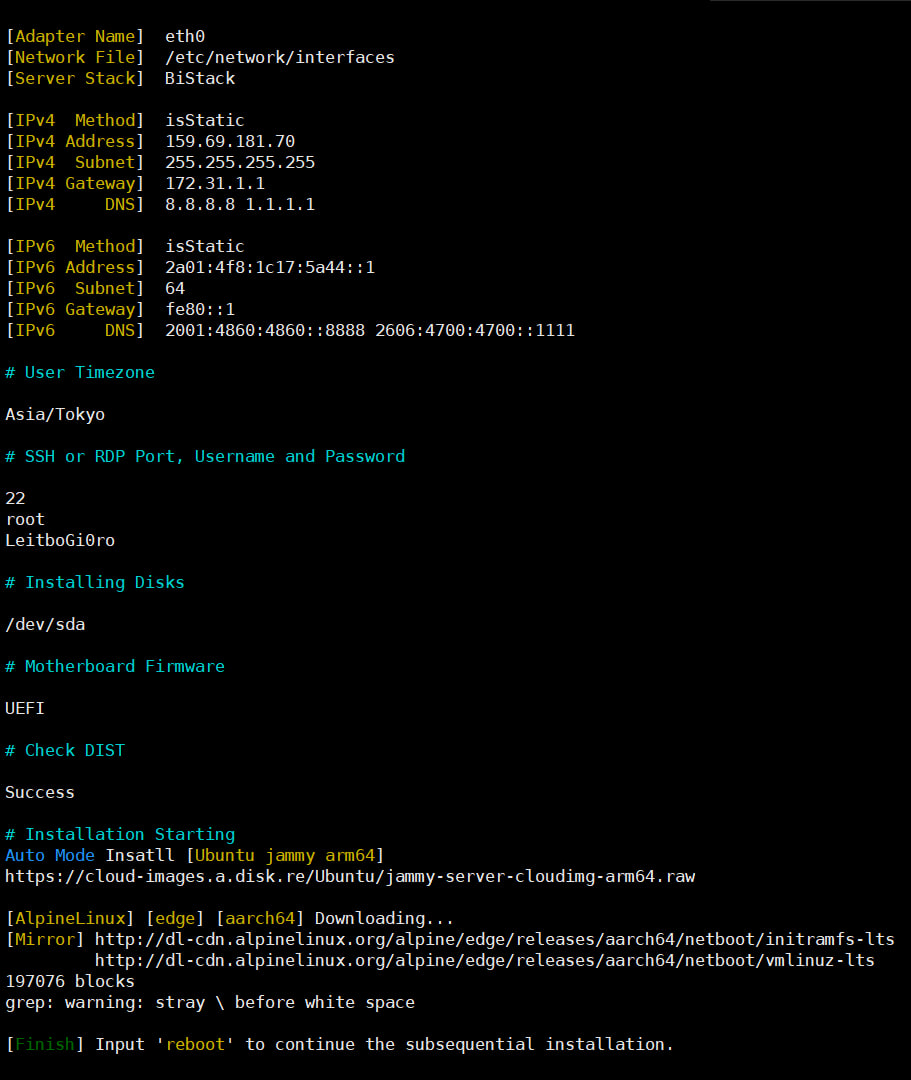
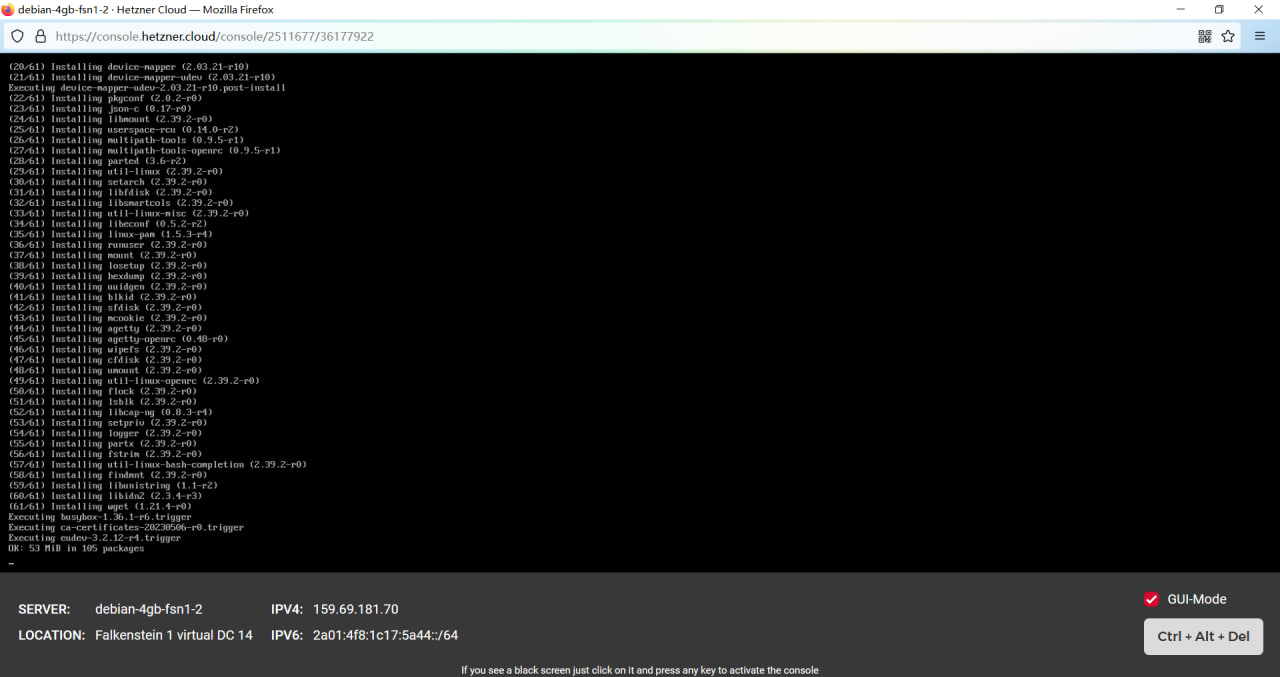
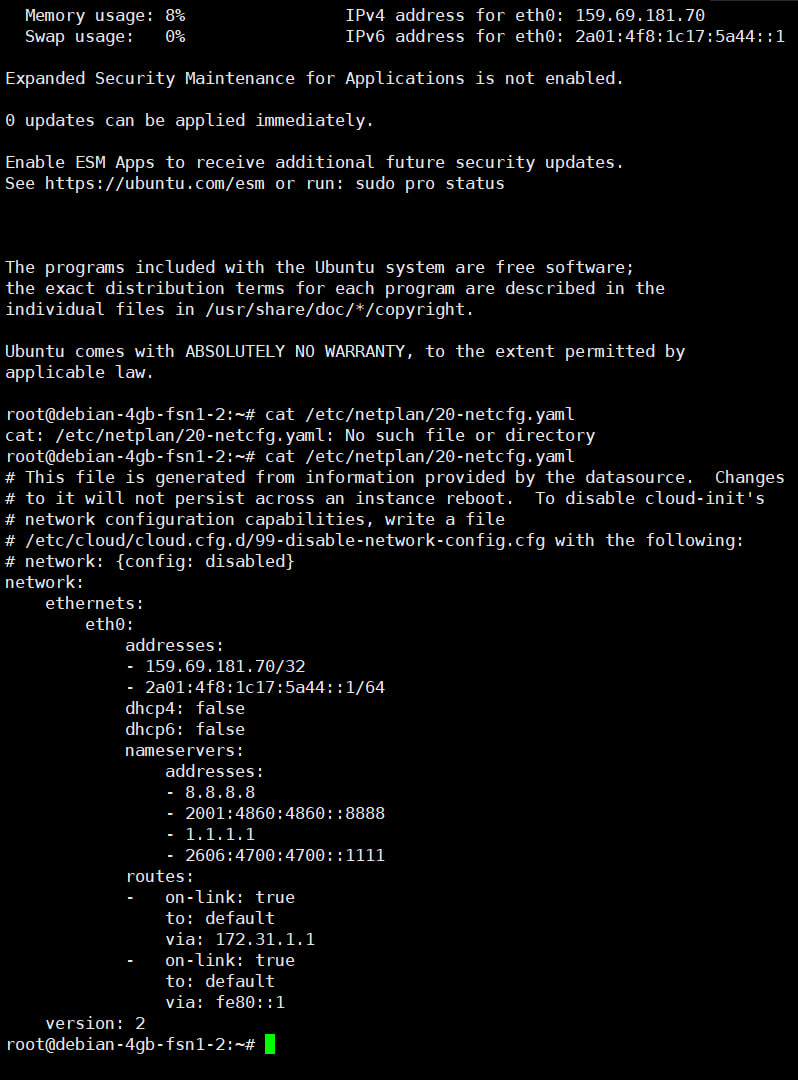
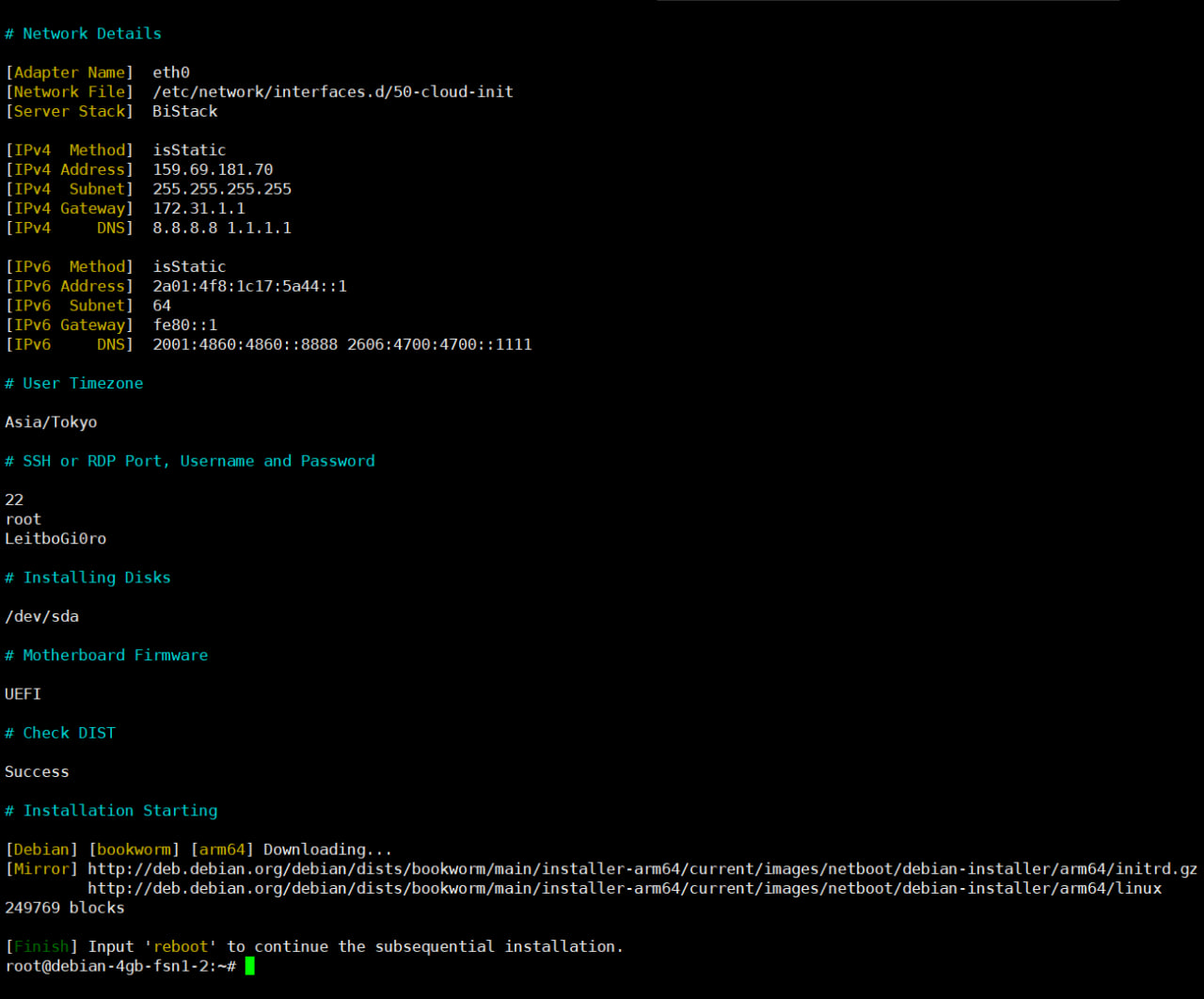
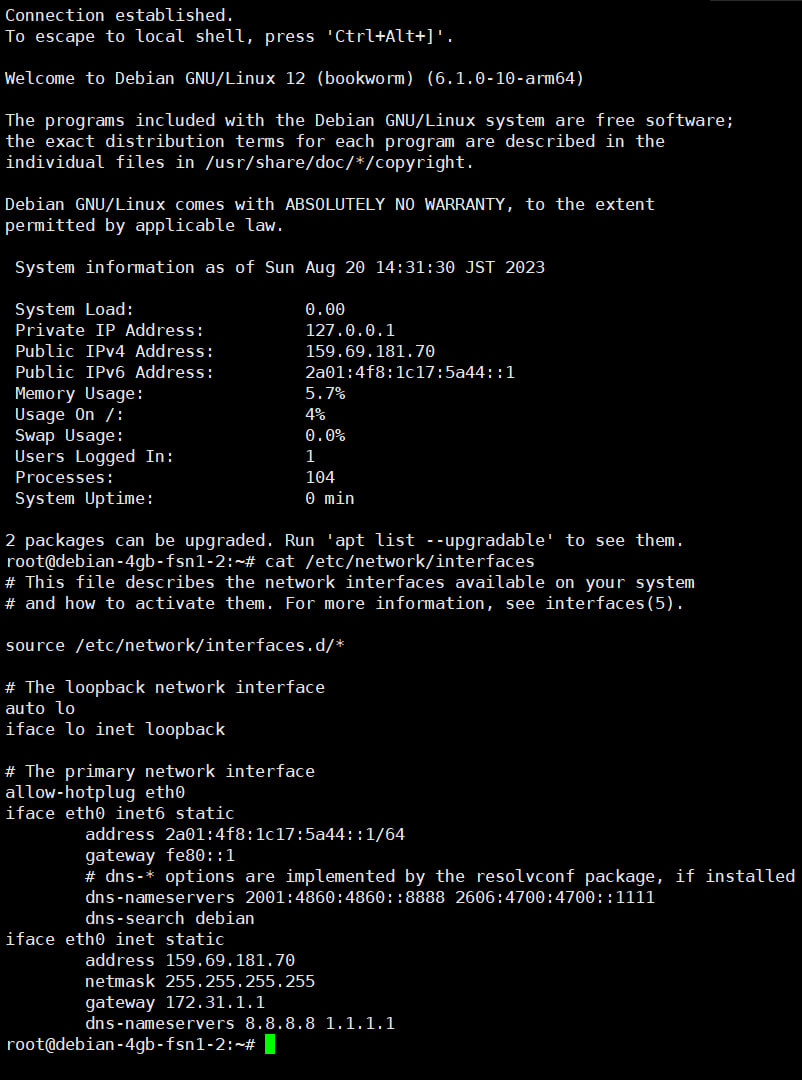
软 hack 处理不规则 IPv4 网关时,肯定是按静态配置的,既然要让 ip route add 们运行得尽可能“早”,那么“# manual configuration”就是一个绝佳的“锚点”,用 sed 命令在该注释后方把 ip route add 哥几个逐条加上即可:
- sed -i '/manual configuration/a\ip link set '$interface4' up\nip addr add '$IPv4'/'$ipPrefix' dev '$interface4'\nip route add '$actualIp4Gate' dev '$interface4'\nip route add default via '$actualIp4Gate' dev '$interface4' onlink\necho '\''nameserver '$ipDNS1''\'' > /etc/resolv.conf\necho '\''nameserver '$ipDNS2''\'' >> /etc/resolv.conf' /tmp/boot/init
为了排错时阅读 init 中添加的条目的美观,每增加一条项目前,添加两个缩进,美化后并附加条件判断式的命令如下:
- [[ "$BurnIrregularIpv4Status" == "1" ]] && {
- actualIp4Gate="$GATE"
- sed -i '/manual configuration/a\\t\tip link set '$interface4' up\n\t\tip addr add '$IPv4'/'$ipPrefix' dev '$interface4'\n\t\tip route add '$actualIp4Gate' dev '$interface4'\n\t\tip route add default via '$actualIp4Gate' dev '$interface4' onlink\n\t\techo '\''nameserver '$ipDNS1''\'' > /etc/resolv.conf\n\t\techo '\''nameserver '$ipDNS2''\'' >> /etc/resolv.conf' /tmp/boot/init
- }
于是我们再来看一下 init 中被修改后的“configure_ip()”函数:
- configure_ip() {
- [ -n "$MAC_ADDRESS" ] && return
- local IFS=':'
- set -- ${KOPT_ip:-dhcp}
- unset IFS
- local client_ip="$1"
- local gw_ip="$3"
- local netmask="$4"
- local device="$6"
- local autoconf="$7"
- local dns1="$8"
- local dns2="$9"
- case "$client_ip" in
- off|none) return;;
- dhcp) autoconf="dhcp";;
- esac
- [ -n "$device" ] || device=$(ip_choose_if)
- if [ -z "$device" ]; then
- echo "ERROR: IP requested but no network device was found"
- return 1
- fi
- if [ "$autoconf" = "dhcp" ]; then
- # automatic configuration
- if [ ! -e "$ROOT"/usr/share/udhcpc/default.script ]; then
- echo "ERROR: DHCP requested but not present in initrd"
- return 1
- fi
- ebegin "Obtaining IP via DHCP ($device)"
- $MOCK ifconfig "$device" 0.0.0.0
- $MOCK udhcpc -i "$device" -f -q
- eend $?
- else
- # manual configuration
- ip link set eth0 up
- ip addr add 51.75.213.94/29 dev eth0
- ip route add 141.95.72.254 dev eth0
- ip route add default via 141.95.72.254 dev eth0 onlink
- echo 'nameserver 8.8.8.8' > /etc/resolv.conf
- echo 'nameserver 1.1.1.1' >> /etc/resolv.conf
- [ -n "$client_ip" -a -n "$netmask" ] || return
- ebegin "Setting IP ($device)"
- if ifconfig "$device" "$client_ip" netmask "$netmask"; then
- [ -z "$gw_ip" ] || ip route add 0.0.0.0/0 via "$gw_ip" dev "$device"
- fi
- eend $?
- fi
- # Never executes if variables are empty
- for i in $dns1 $dns2; do
- echo "nameserver $i" >> /etc/resolv.conf
- done
- MAC_ADDRESS=$(cat /sys/class/net/$device/address)
- }
显然,我们要软 hack 的命令,即:
- # manual configuration
- ip link set eth0 up
- ip addr add 51.75.213.94/29 dev eth0
- ip route add 141.95.72.254 dev eth0
- ip route add default via 141.95.72.254 dev eth0 onlink
- echo 'nameserver 8.8.8.8' > /etc/resolv.conf
- echo 'nameserver 1.1.1.1' >> /etc/resolv.conf
部分,连带临时的 DNS,都添加到了注释“# manual configuration”后面,预期中它应当在启动时优先执行。
经过试验,重启前原系统中 grub 有关配置 AlpineLinux 网络启动的 menuentry 菜单项目中,也先不配置网关,脚本中应对这种情况的判断式为:
- [[ "$BurnIrregularIpv4Status" == "1" ]] && Add_OPTION="ip=$IPv4:::$ipMask::$interface4::$ipDNS:"
实际写入的 grub 启动菜单内容如下:
- menuentry 'Install OS [AlpineLinux edge x86_64]' --class debian --class gnu-linux --class gnu --class os {
- recordfail
- load_video
- gfxmode $linux_gfx_mode
- insmod gzio
- if [ x$grub_platform = xxen ]; then insmod xzio; insmod lzopio; fi
- insmod part_gpt
- insmod ext2
- set root='hd0,gpt1'
- if [ x$feature_platform_search_hint = xy ]; then
- search --no-floppy --fs-uuid --set=root --hint-bios=hd0,gpt1 --hint-efi=hd0,gpt1 --hint-baremetal=ahci0,gpt1 e2bca382-8f84-47f8-a6c1-cf1ade169203
- else
- search --no-floppy --fs-uuid --set=root e2bca382-8f84-47f8-a6c1-cf1ade169203
- fi
- linux /boot/vmlinuz alpine_repo=http://dl-cdn.alpinelinux.org/alpine/edge/main modloop=http://dl-cdn.alpinelinux.org/alpine/edge/releases/x86_64/netboot/modloop-lts ip=51.75.213.94:::255.255.255.248::eth0::8.8.8.8 1.1.1.1:
- initrd /boot/initrd.img
- }
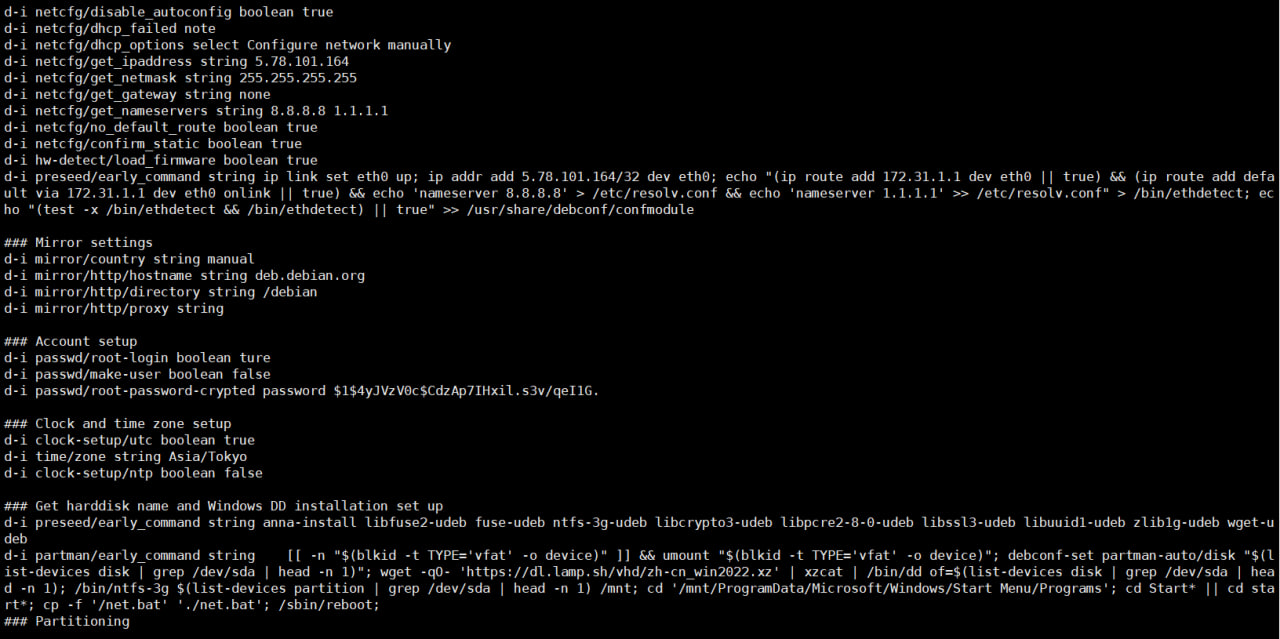
通过实验,发现由于命令执行的顺序被提前了,所以软 hack 不规则 IPv4 网关的命令,会在 init 中函数“configure_ip()”运行后的 else 条件,即检查到按静态配置 IPv4 网络后立马运行,效果堪比 preseed 的 early_command。 |


 发表于 2023-8-20 17:57:26
 楼主
楼主